Microsoft 365 Admin

Microsoft 365 Admin

By Microsoft Corporation

  • Category: Productivity
  • Release Date: 2013-12-12
  • Current Version: 5.7.2
  • Adult Rating: 4+
  • File Size: 211.15 MB
  • Developer: Microsoft Corporation
  • Compatibility: Requires iOS 16.0 or later.
Score: 4.65688
4.65688
From 5,823 Ratings

Description

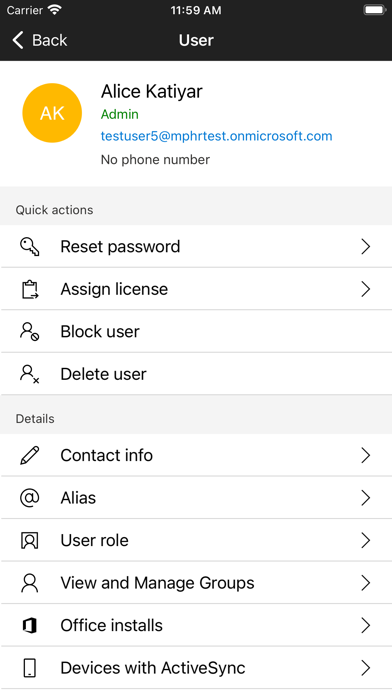
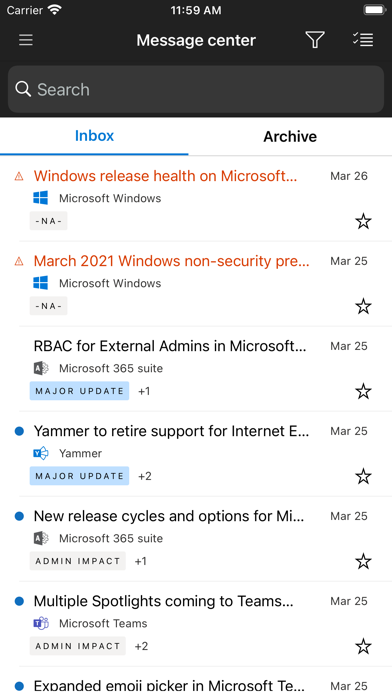
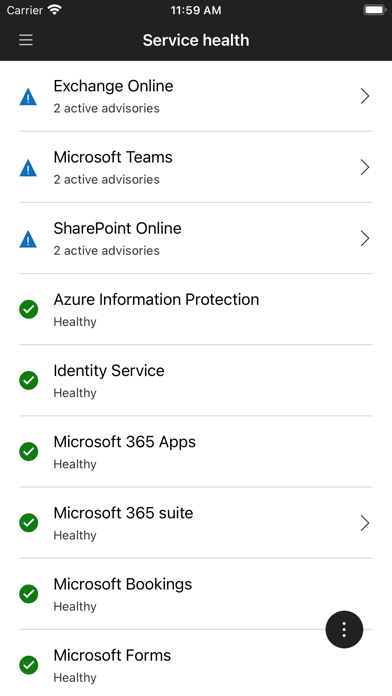
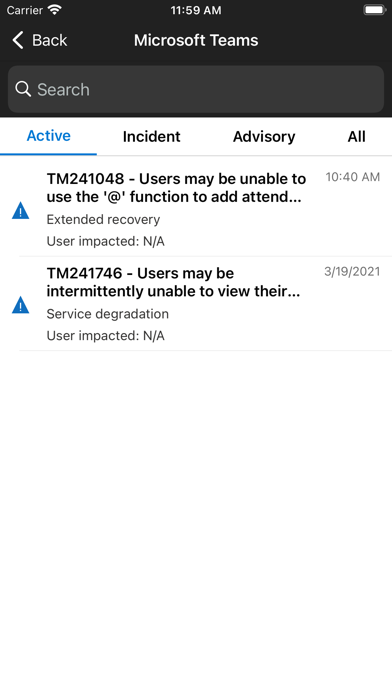
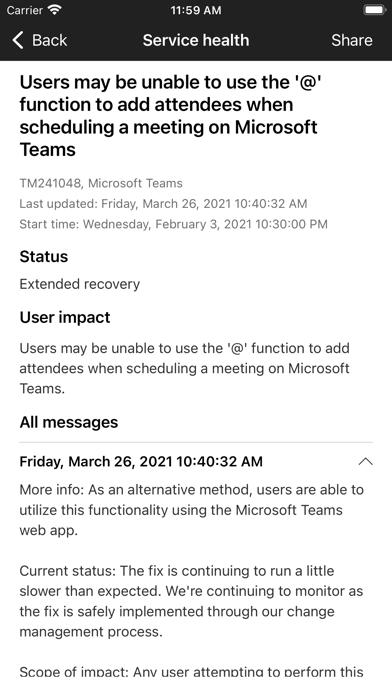
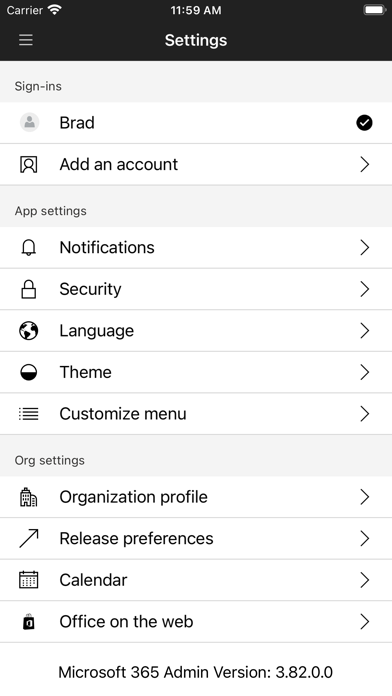
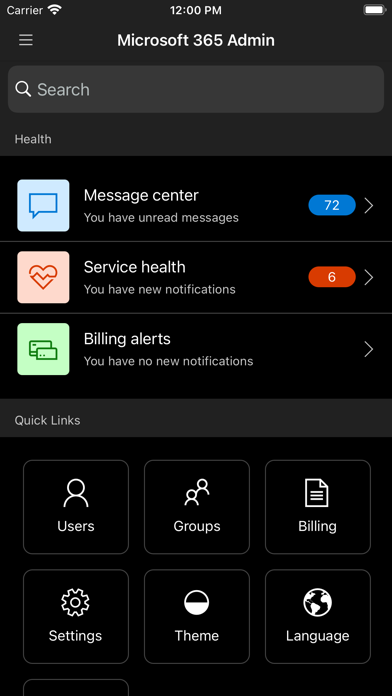
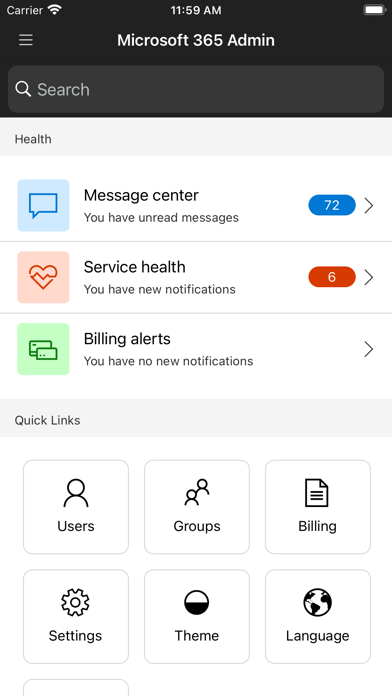
Manage users, groups, devices, reset passwords & receive critical notifications. The Microsoft 365 Admin App enables you to be productive from anywhere. The app allows you to receive critical notifications, add users, reset passwords, manage devices, create support requests, and more—all while you’re on the go. Who should use this app? People with an admin role to a Microsoft 365 or Office 365 enterprise or business subscription. What can I do with this app? - Add, edit, block, or delete users, reset passwords, assign roles, or manage aliases & devices. - Add groups, edit groups, and add or remove users from groups. - View all available and assigned licenses, assign licenses to users, add or remove licenses, view and download invoices. - Check the status of existing support requests, take actions on them, or create new ones. - Monitor the health of all services and view active incidents in Service Health. - Stay on top of all the upcoming changes and announcements via the Message Center feed. - Get push notifications about important information related to service health, message center, and billing. The app supports dark theme and is available in 39 languages. And if you're someone who is responsible for managing more than one tenant, you can sign-in to multiple tenants and quickly switch between them. We're listening and constantly improving the app based on your feedback. Tell us what you like, what we can do better, and what features you'd like to see in the app. Send your feedback to feedback365@microsoft.com.
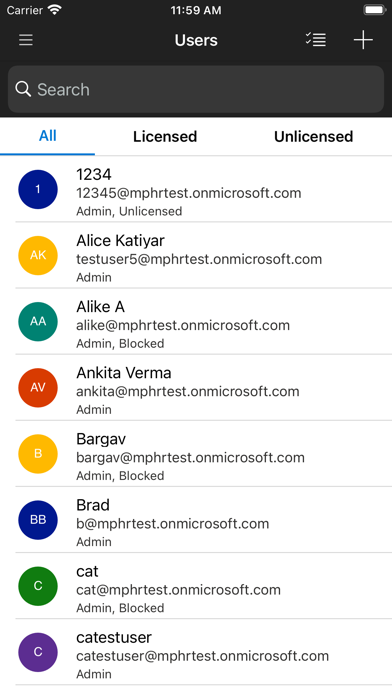
Screenshots

Reviews

  • App Hasn’t worked in min 1 month

    1
    By Peachy Michelle
    I have repeatedly installed app over and over even let it stay off my devices for days to try reinstalling the screen stays white after going to my Authenticator app the convenience of this 365 app has not been there and many have reported it already this is what business pay for I guess
  • Fix this broken ish

    2
    By 11Sage11
    My goodness, fix this piece of crud already. It opens and just freezes. People have been reporting this for months and y’all just sitting doing nothing about it.
  • Godspeed to any Org Admin relying on this app to monitor their business!

    1
    By Raffetazarius
    More times than not, I get a blank black screen when opening this app. On the occasions I don’t, navigating between screens is excruciatingly slow. That said, I don’t think it’s only this app! The MS365 admin web interface is also excruciatingly slow to use and fails to load screens and flyovers half the time. I’m an IT expert of over 20 years, and recently decided to move my business’ email onto the MS ecosystem and it has been surprisingly disappointing how unstable and unreliable Microsoft’s (a supposed “world leader” in technology) business ecosystem is. Coupled with that is a joke of a support team that don’t even know the answers to technical questions that MS Co-Pilot can answer. And then there’s the litany of unexplained “outages” (both reported and unreported by Microsoft) that impact email delivery and sending on a weekly basis. It’s so disappointing from a company like Microsoft!
  • Broken

    1
    By iPhone_user263
    Can’t sign in, just opens Msft Authenticator. Switching back shows white screen with contact us button. Clicking it opens email with log attached but no ‘to’ address filled
  • Freezes constantly

    1
    By Admin850
    I can never use this it just freezes
  • Your Adnin 🤔

    5
    By bohdanai
    Perfect
  • Doesn’t work

    1
    By OnlyOnePersonPerNickname
    Doesn’t work on iOS 26. Barely worked on iOS 18.
  • Terrible customer support

    1
    By TheBanditDeveloper
    Microsoft changed setting on my domain without permission and would not allow me to change them. Customer support took weeks to reach out and when they did call I got a call and was put on hold for 90 mins and then the guy who picked up had no clue what I was talking about or the ticket I raised. For a leading tech company they really suck at admin customer support
  • Doesn’t work

    1
    By Mulbson
    The app doesn’t load half the time and when it does it freezes
  • Missing a lot of basic features

    2
    By AryanDemaret
    It is very limited, half of the options are missing. I tried to create a distribution list and it does not show me the option to enable receiving from external senders.

keyboard_arrow_up