Azure Information Protection

Azure Information Protection

By Microsoft Corporation

  • Category: Productivity
  • Release Date: 2013-10-10
  • Current Version: 2.1.4
  • Adult Rating: 4+
  • File Size: 242.28 MB
  • Developer: Microsoft Corporation
  • Compatibility: Requires iOS 14.0 or later.
Score: 1.9375
1.9375
From 128 Ratings

Description

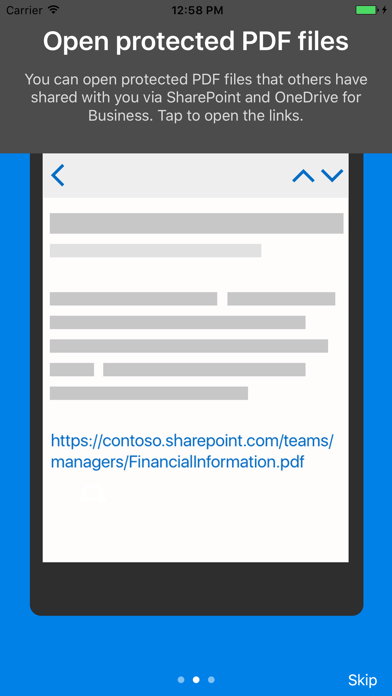
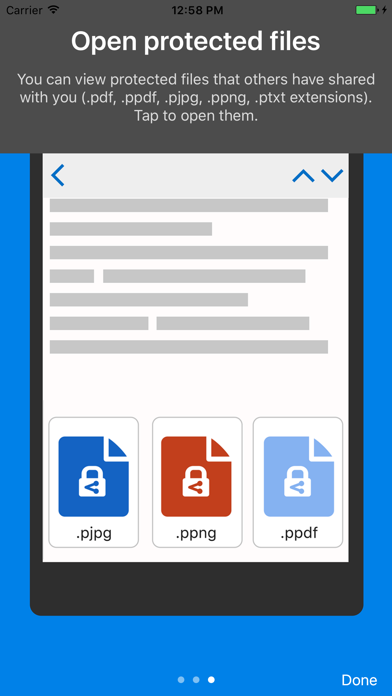
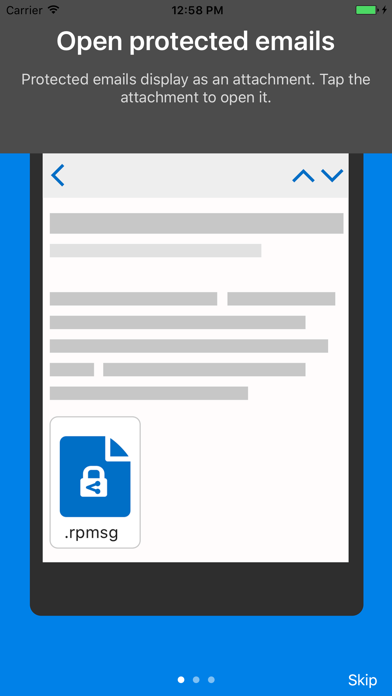
Azure Information Protection app enables you to securely collaborate with others. You can view protected files (Rights protected email messages, PDF files, pictures, text files, and any other file format that is protected as a .pfile) that others have shared with you. IT administrators can also deploy and manage the app for devices that are enrolled by Intune. For more details, read our FAQ page http://go.microsoft.com/fwlink/?LinkId=828412 NOTE: You need to have an Office 365 account to use Microsoft Azure Information Protection viewer application. You can sign up for a free account by using the Azure Information Protection page. You cannot use Microsoft Account (Live, Hotmail or Outlook.com) account to sign in.

Screenshots

Reviews

  • Terrible

    1
    By Aaaahhhh sucks
    Hard to use sends you in circles and never works.
  • Simply does not work

    1
    By “@&$)(;://
    The app does not do what it says it will. For instance the app states you will be prompted to sign when opening a secure message. Not true, at least in my case.
  • stupid

    1
    By ferdous khandker
    stupid
  • Terrible

    1
    By grad sch
    Can not open pdf
  • Garbage

    1
    By Roland275<>
    Beyond useless.
  • Pure Garbage

    1
    By App Destroyer 10000
    Horrible app
  • Don’t bother

    1
    By Doc Tymes
    Garbage app. It claims you can sign in and view a protected pdf from your email. On iOS there is no way to access the downloaded files for viewing. This app is a waste of time and space.
  • Doesn’t work!

    1
    By Jackin MeOff
    Garbage app
  • Az app is garbage

    1
    By CTBLUEHVN
    This app is garbage, it doesn’t work at all!
  • Terrible user experience. Does not work.

    1
    By Jpiterak
    Even from the iOS Outlook app, clicking on the encrypted email file just brings you to a link to download the app. THERE IS NO WAY TO OPEN IT. AIP app has no way to navigate to a downloaded file. Outlook does not have option to select app to open file. Share option from Outlook allow save to local or One Drive, but not ability to select an app. Simply now way to open an encrypted email at all.

keyboard_arrow_up