AirPort Utility

AirPort Utility

By Apple

  • Category: Utilities
  • Release Date: 2011-10-14
  • Current Version: 1.3.6
  • Adult Rating: 4+
  • File Size: 12.47 MB
  • Developer: Apple
  • Compatibility: Requires iOS 9.0 or later.
Score: 3.04786
3.04786
From 2,006 Ratings

Description

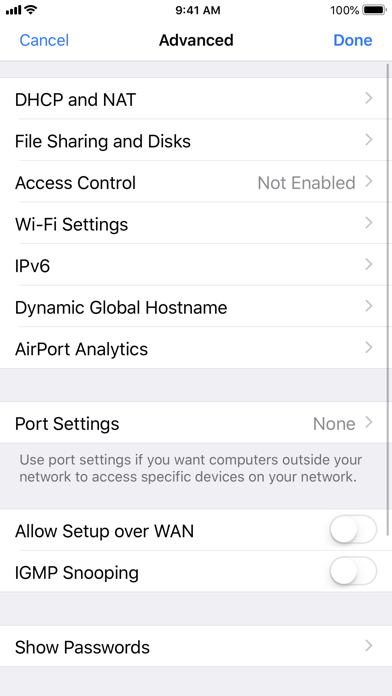
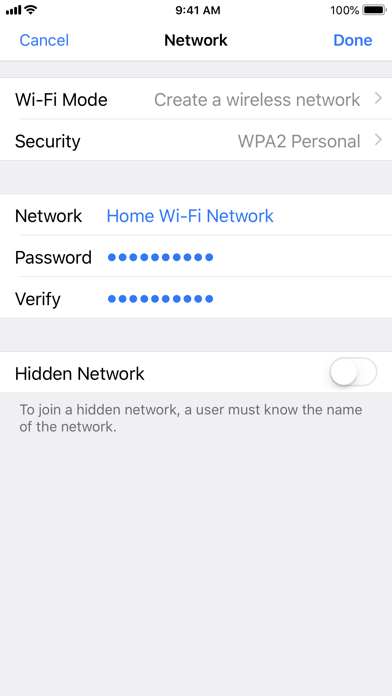
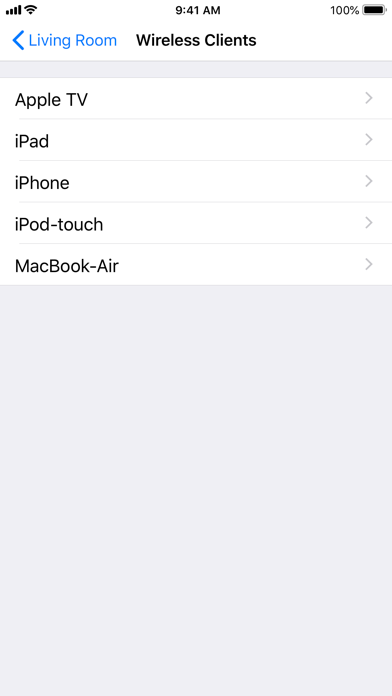
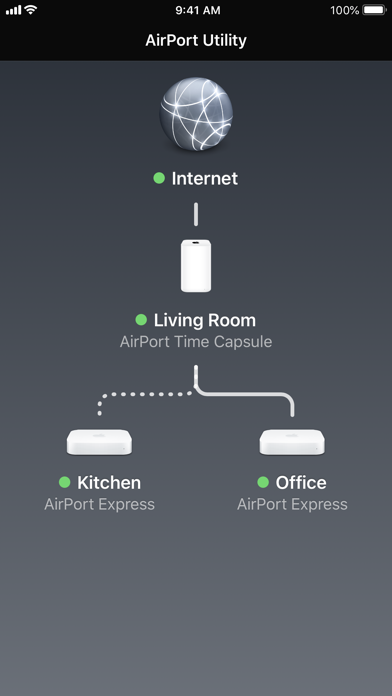
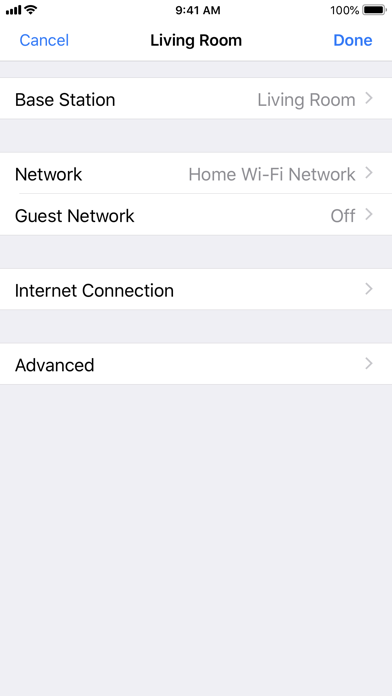
Use AirPort Utility to manage your Wi-Fi network and AirPort base stations, including AirPort Express, AirPort Extreme, and AirPort Time Capsule — right from your iPad, iPhone, or iPod touch. See a graphical overview of your Wi-Fi network and devices. Change base station and network settings, or manage advanced features such as security modes, wireless channels, IPv6 configuration, and more. AirPort Utility works with all Apple 802.11n and 802.11ac Wi-Fi base stations, including AirPort Express, AirPort Extreme, and AirPort Time Capsule. Features • See a graphical overview of your Wi-Fi network • Get information about your connected Wi-Fi devices • View and change network and Wi-Fi settings • Restart or restore a base station, or update the firmware on a base station when available • View or update passwords for your network, base stations, or disks • Easily access network information such as IP address, DNS servers, and router address • Manage DHCP reservations and port mappings • Configure base stations for IPv6 • View status or error messages • Archive Time Machine backups
Screenshots

Reviews

  • Cannot scan wifi

    1
    By Rob Nordic
    On the iPad version without any AirPort devices, you can scan WiFi to determine signal strength. On the iPhone version, this is not available; at least for me without any airport devices.
  • Shows Wifi Channels

    5
    By Dee Double U 1-2
    This is the ONLY App in the App store that shows which channel the networks around you are using. Playstore has “Wifi Analyzer” that shows so much, but this at least shows the bare minimum you need to help you select the best channels for your router. Setup permissions in settings to allow Wi-fi scan first and you’ll be good to go.
  • Useless

    1
    By DraAI
    I don’t get what the point of this is. It’s just a dark/grey screen with a world on it, that just sits there doing nothing. No buttons, no menu, no options, no links. How many years am I supposed to sit staring at it wait for it to DO anything or give me ANY options? It’s telling me I need an airport hub. Nowhere online do I find where this app requires a hub. Again, what is the point of a blank screen app that does ….. nothing?
  • Please add 6 GHz scanning

    4
    By Pagan Poetry
    Since apple removed all wifi scanners from the App Store except their own, this is the only one available to use. Minimal interface, missing 6GHz scanning
  • Completely useless

    1
    By Xer0000000000000
    Can’t diagnose details of connection errors or automatically fix them.
  • Old eye can’t read results

    3
    By FrankieFJC
    Terrible display contrast , white background with small light grey lettering?
  • Still useful

    5
    By robert9669
    The easiest way to monitor since I have 1 Airport Extreme and 2 A Express…. flawless
  • Remove software

    1
    By Josh Hugh
    Remove software
  • Need to have Airport router

    1
    By Verstandnis
    Waste of time
  • What I Needed When I Needed It

    4
    By Anonymous Mark
    I needed what I would call an RF Field Strength meter for my iPhone that I could carry to where I plan to install a WI-FI outdoor security camera. Just wanted a measure a bit more definitively than a 3-ring clam shell provides. After trying out 4 or 5 paid apps that didn't measure dbms, I found this app. Its pretty austere and not overly intuitive but its free and it works. Just be sure to toggle scanner inside the app as stated.

keyboard_arrow_up