EaseUS Fixo: AI File Repair

EaseUS Fixo: AI File Repair

By EaseUS Software

  • Category: Productivity
  • Release Date: 2023-12-18
  • Current Version: 4.2.5
  • Adult Rating: 4+
  • File Size: 167.00 MB
  • Developer: EaseUS Software
  • Compatibility: Requires iOS 11 or later.

Description

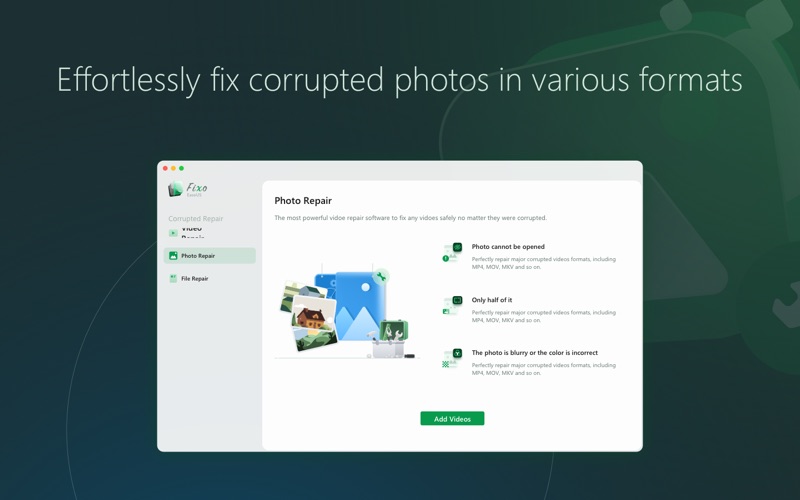
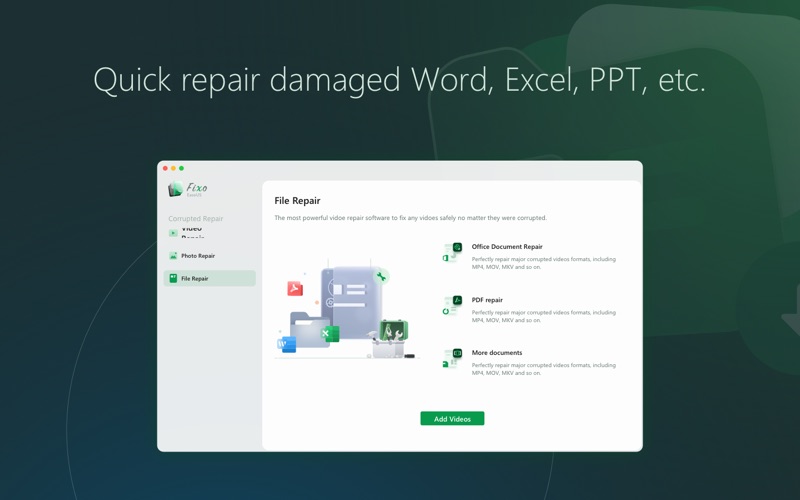
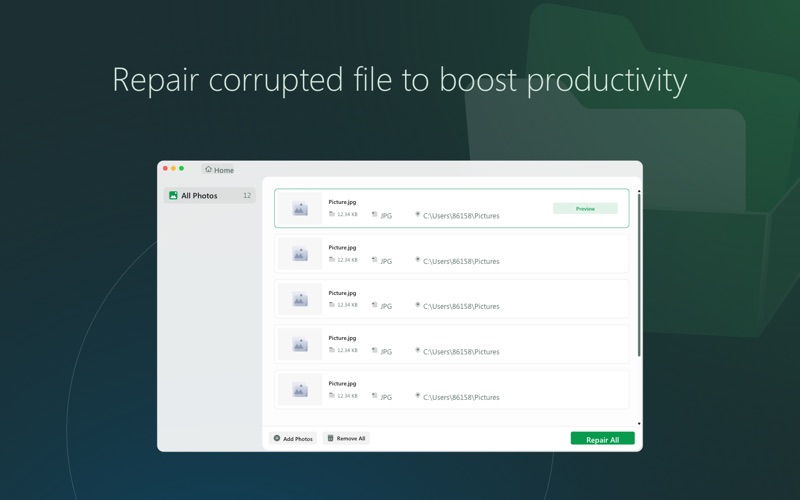
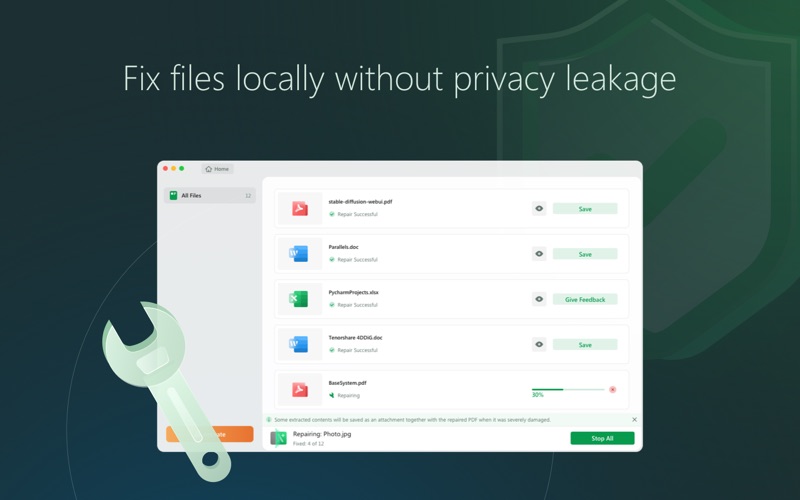
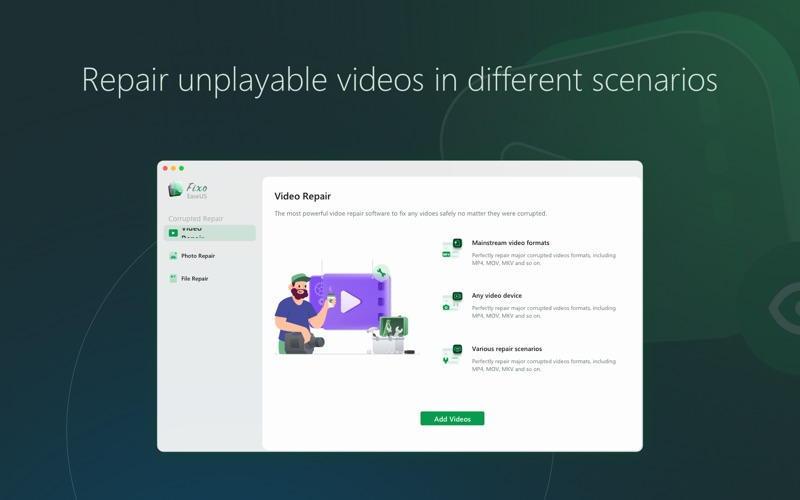
Corrupted videos, blurred photos, or unreadable documents? EaseUS Fixo is your one-click file repair solution to fix corrupted files on your Mac. Fixo combines powerful video , photo, and document repair into a single, intuitive Mac app. Get back your priceless memories and critical work files in just 3 simple steps. Repair Anything, Effortlessly • Video Repair: Restore unplayable videos corrupted by crashes, transfers, or other issues. Perfect for repairing MOV, MP4, M4V, and other popular video formats. • Photo Repair (AI-Powered): Fix blurred, grainy, or damaged photos. Our AI automatically sharpens details and restores colors, breathing new life into your old JPEG, PNG, and TIFF images. It's the best tool for blurry photo fix and corrupted image recovery. • Document Repair: Recover inaccessible Word, Excel, PowerPoint, and PDF files. Solve issues like blank pages, unreadable content, and corruption errors. Why Choose EaseUS Fixo for Mac? • All-in-One Solution: One tool for all your file repair needs. • Preview Before Saving: Check the repaired file preview to ensure quality before you save. • Batch Repair Mode: Fix multiple corrupted videos, photos, or documents simultaneously. • High Success Rate: Advanced algorithms ensure reliable file recovery. • Simple & Intuitive: No technical skills needed. Perfect For: • Photographers & Creatives rescuing precious photo and video projects. • Students & Professionals repairing essential reports, presentations, and documents. • Every Mac User who values their digital files and memories. Download Now and Breathe New Life Into Your Corrupted Files! Try Fixo risk-free—your memories are worth saving.
Screenshots

Reviews

  • OK, OK— I paid!

    5
    By NoNamesPlease2
    The battery died during a GoPro nightlapse of northern lights last night. The camera didn’t have time/power to finish the file. All the apps, internet or App Store, try to make you pay before letting you see, or save, your repaired file— holding it hostage. I tried this app. First pass didn’t work. The app had to compare the bad file to a good file. I gave it a good file and started Advanced Repair. Apparent success! But they gonna make me pay to see it. So, I paid. And I watched it. It worked! And I caught the northern lights last night— so freakin cool! In conclusion, for this one instance, Fixo fixed this MP4 file. Also, I learned how long to record to avoid this problem in the future. To close, consider the less expensive monthly option. You pay through your Apple account and can cancel before the monthly renewal date. Take care.
  • $20,$60,$80...not trail, no test, no reviews...BEWARE

    1
    By Mossy Cade
    Beware: Feels Like a Scam I downloaded this app hoping to test it out with the advertised free trial, but I was immediately forced to pay without any real opportunity to see if it actually works. There’s no test period, no limited access, nothing. It’s frustrating to be asked to pay full price without even knowing if the app delivers on its promises—and to make matters worse, there’s no option for a refund or a clear time limit for testing. The fact that there are zero ratings or reviews from anyone who has actually tried the app only adds to the suspicion. It feels like they’re trying to pull a fast one, doubling down on what seems like a scam. I strongly recommend avoiding this app until they offer a genuine trial period or some transparency about what you’re paying for.
  • Repair my damaged photos

    5
    By JasonWU23
    God, it really repaired damaged photos.
  • Bait and switch

    1
    By Dash Rantic
    This is NOT FREE software. You cannot use this software without purchasing it via an in-app purchase (you cannot save any "repaired" files without the in-app purchase). This is a scummy bait-and-switch tactic.

keyboard_arrow_up