Markdown゜

Markdown゜

By Teleprompter LLC

  • Category: Productivity
  • Release Date: 2020-01-24
  • Current Version: 1.0.3
  • Adult Rating: 4+
  • File Size: 7.28 MB
  • Developer: Teleprompter LLC
  • Compatibility: Requires iOS 13.0 or later.
Score: 4.54965
4.54965
From 433 Ratings

Description

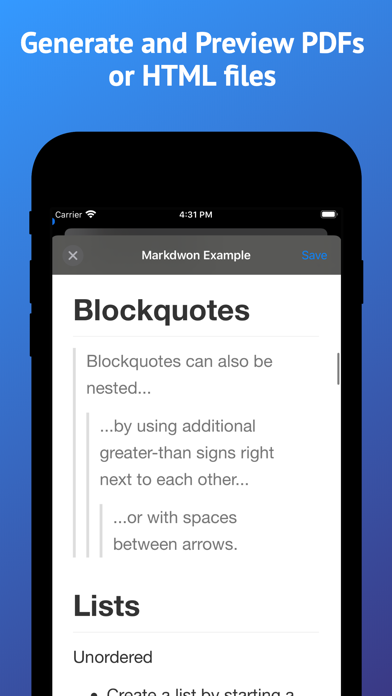
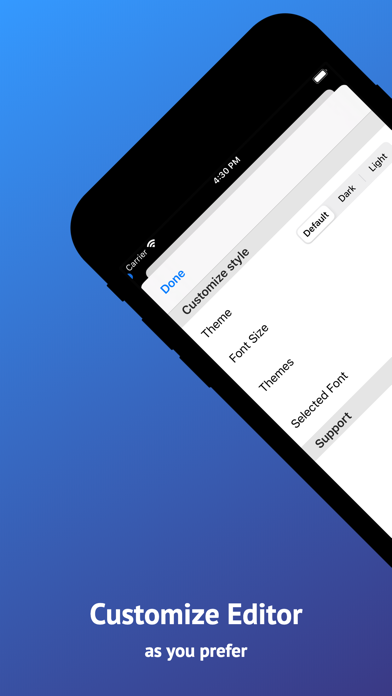
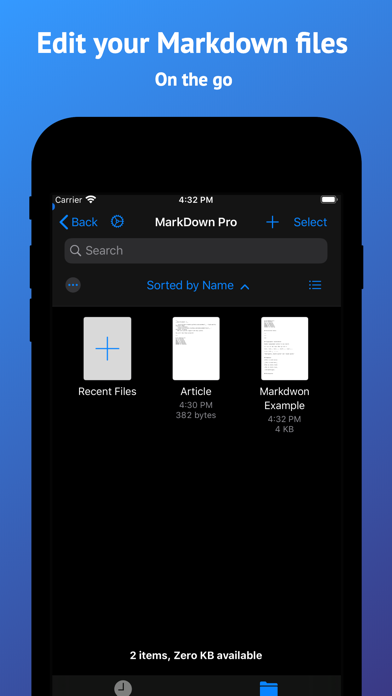
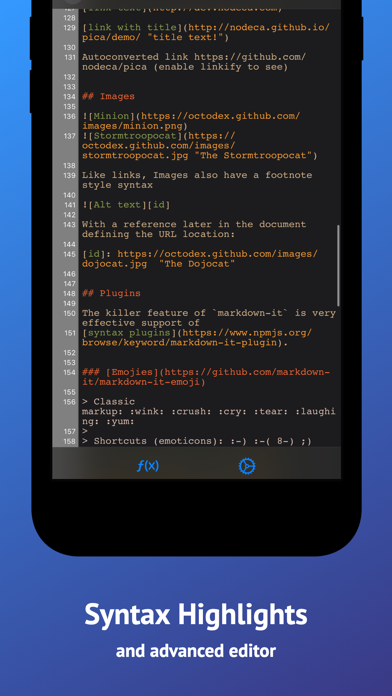
Markdown Pro is a simple Markdown editor for your iOS devices. It lets you to create and edit your .md files and export a PDF or HTML from them. We spent a lot of time to create the best editor for the iOS ecosystem. It works well with the iOS 13 Files app and supports multiple windows on the iPad. Main Features: * Files synchronization (including Dropbox, Box, Drive and other file providers) * Generate PDF from Markdown * Generate HTML from Markdown * Stores .md documents and generated PDFs on your device * Syntax highlighting * Line numbers * Autosave * Full keyboard support * Export the generated PDF to other Apps or save to Files * Built in snippets * Instant Preview next to the editor on iPad * Font size change * Syntax highlight color change * Full dark mode support * Select custom fonts for the editor
Screenshots

Reviews

  • Vote of zero confidence

    1
    By The Honest Lab Rat
    I’ve just spent an hour using this tool to edit a local PRD document on my iPhone. Already I have had 2 very bad things happen. First, the text that I pasted and was editing simply vanished for seemingly no reason. After continuing to edit this document, I began to receive a loop of errors saying “could not save”. The scary thing here is that I could not get out of the message loop until I disabled mobile network to force my phone to only use WiFi. WHY does my network have any effect on using an installed app to edit a local file? Is it attempting to save/steal my documents by pushing it to a cloud server in the background????????!!! Highly suspicious and untrusting of this app after that!
  • Free, but….

    2
    By jClabo
    Editing the documents are essentially impossible. Cursor jumps to end of document after pressing one key.
  • Got pro for free

    5
    By Dougiealexxx
    No ads or purchases. Love it
  • Not the most intuitive UX but works way better than most markdown apps

    5
    By Huh…Is every nickname taken?
    It's not super intuitive on how to use. However, once you figure it out, it does have a lot of features and functions and it's much better than a lot of the shady Markdown apps created by unknown mystery users available in the Apple App Store.
  • Great Potential a few Dealbreakers

    3
    By cakeller
    Bug 1, when editing, often the cursor jumps to the end of the file. on a long markdown this can be beyond frustrating. i use Koder to edit now and skip using this app until the file is edited. caveat... this app seems to cache old versions and ALWAYS saves after touching a file!! that's catastrophic at times. but simply saving by reading is pretty terrible. the reason i continue using it at all is because rendering to a pdf makes creating pdfs i can share for reading on iphone... very easy. i hope the author fixes these defects. but considering both these complaints go back 1-4 years, it seems not likely. one can hope though.
  • Should be removed

    1
    By Jeff Schwandt
    I read the review that said this app was unusable because it didn’t save the .md file. I tried the app out and that reviewer was right! The UI is SO kludgy. It’s like the developer didn’t understand how to do toolbars. After deleting the app, noticed the last update to the app was 5 years ago. How is this thing even in the App Store anymore?
  • Cool but

    3
    By noahstheman
    Sometimes cant create new files
  • Does not open grok markdown files

    1
    By deiong
    Does not open grok markdown files
  • impossible to edit

    3
    By Muxa
    the cursor jumps down to the end of document after any inserting any character into any place of the document, no matter where the cursor was initially(
  • Unusable, cursor jumps to bottom when deleting a character

    2
    By McLoviiin
    When attempting to delete a character, the cursor immediately jumps to the bottom of the document. Try for yourself: place the cursor somewhere in the document, press the “delete” key on the onscreen keyboard, watch at the document scrolls to the bottom, and see the cursor automatically jump to the end of the document.

keyboard_arrow_up