
Image View Studio: Gallery

Image View Studio: Gallery

By Everyday Tools, LLC

  • Category: Photo & Video
  • Release Date: 2015-03-04
  • Current Version: 3.7.9
  • Adult Rating: 4+
  • File Size: 30.51 MB
  • Developer: Everyday Tools, LLC
  • Compatibility: Requires iOS 11.0 or later.

Description

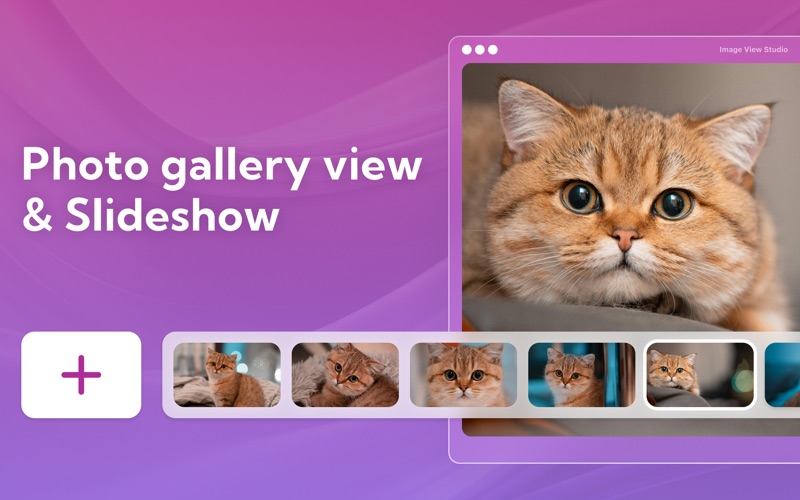
Image View Studio is an ergonomic, fast and convenient image viewer. It provides the best experience to browse and view images in a large number of formats. Its lightweight and powerful interface is designed to make image viewing and management the most comfortable and easy. >> CHOOSE PICTURES TO BROWSE - Use keyboard shortcuts, mouse wheel or built-in toolbar for the best experience of viewing and managing images >> 2 DISPLAY MODES - View images in full-screen or slide show mode >> RETINA DISPLAY SUPPORT - The most vibrant colors and the sharpest details Please note that some features require a subscription: • AI image upscaler & enhancer • Access to all photos • Gallery speech control • Cloud saving Privacy Policy: https://everydaytools.mobi/privacy Terms Of Use: http://everydaytools.mobi/tos
Screenshots

Reviews

  • Completely Useless

    1
    By Create Nickname for no reason
    Not only is it useless… its $7/mo… SEVEN? Are you nuts. Total garbage app.
  • Absolute garbage

    1
    By MarchIntoTheSea
    why is this piece of trash app even offered?
  • Not very fast, not very smart

    1
    By CasualOptimist
    App will load an image in 3-5 seconds — pretty slow if you’re used to Picasa image viewer on Windows. The app opens the image and reduces the size significantly. I opened a 3744x5616 image and ImageView displayed it at 345x529 but indicated it was displaying the image at 100%. There are no options — no way to customize your view aside from the View->Change View option that changes the app background to either black or white. Don’t waste your money on this poorly-crafted product.
  • Joke?

    1
    By MichaelBushe
    Is this a joke app? “Full screen” means it takes the ½ sized screen photo and then draws lots of gray arond it! I think the idea is to stretch the photo, not add blank space. Waste! CHEATED!

keyboard_arrow_up