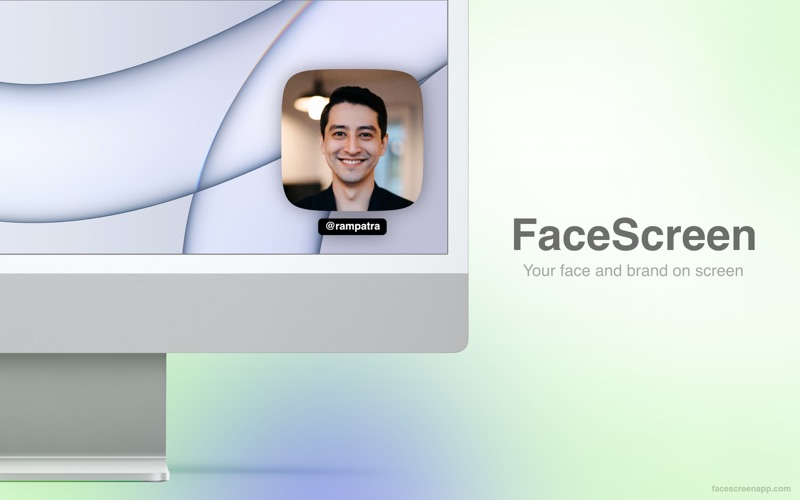
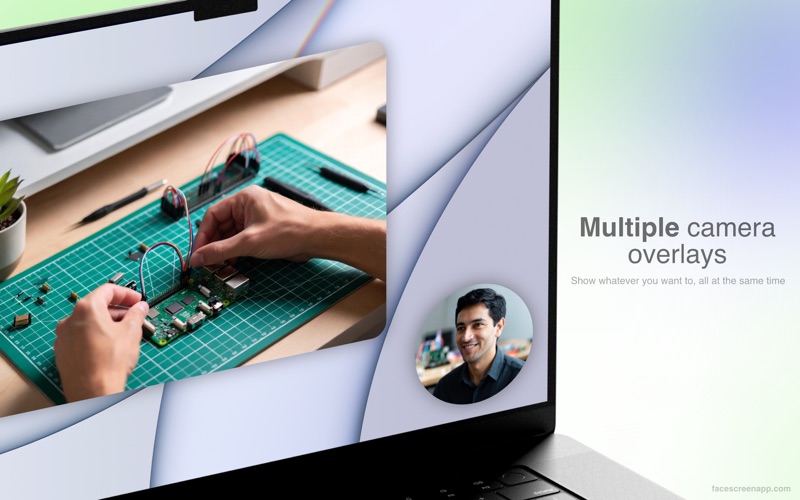
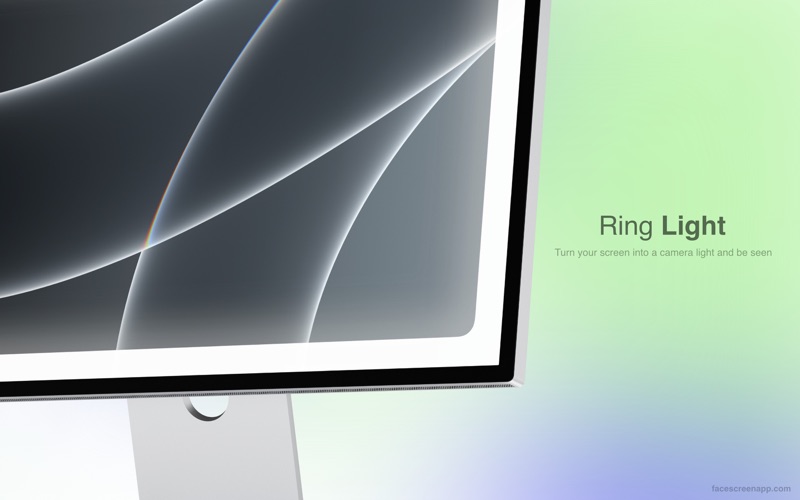
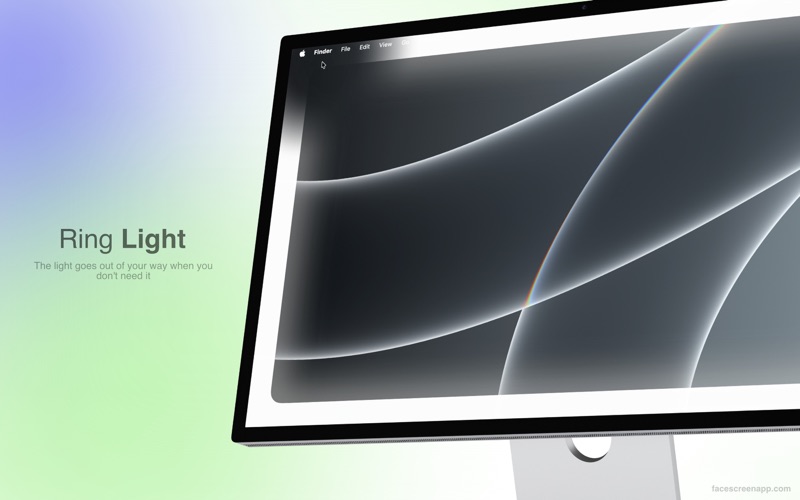
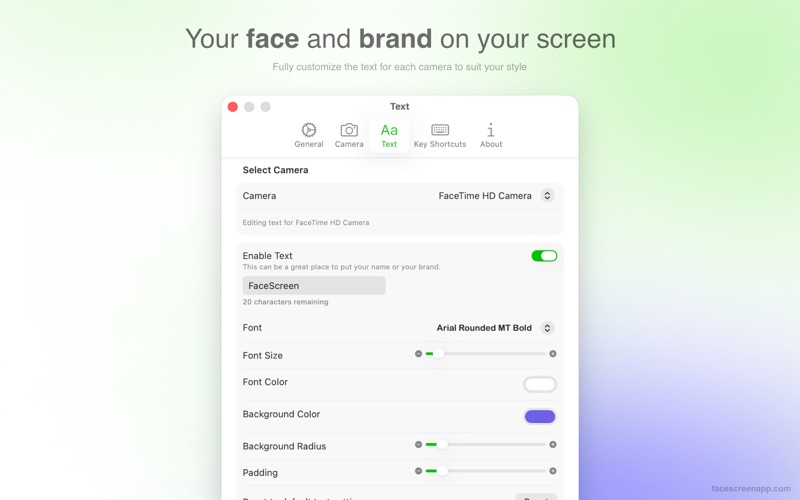
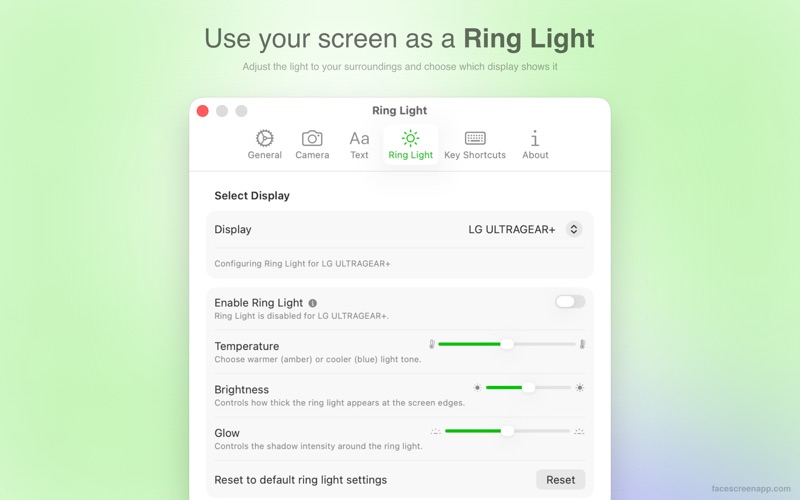
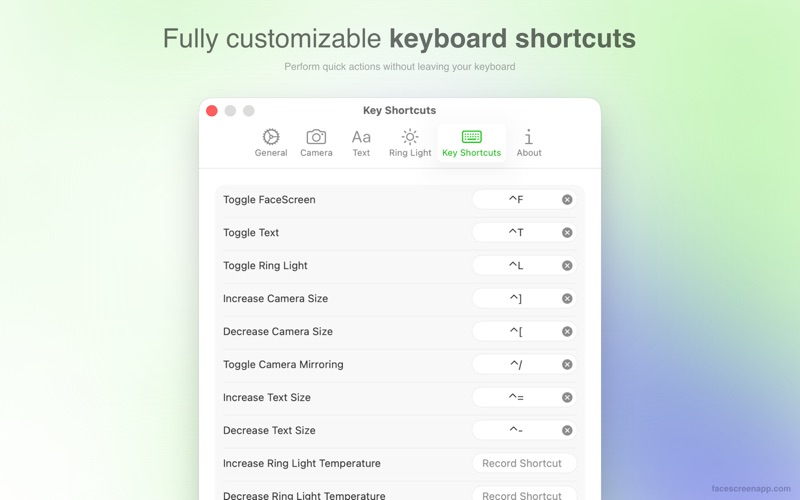
FaceScreen is a mac menu bar app that allows you to show a highly customizable live camera feed and text on your screen on top of everything else. It is the only app that allows you to show multiple camera overlays simultaneously. And not only that—you can customize each overlay separately. Besides the camera overlay, FaceScreen now includes a Ring Light feature that lets you use your screen as a camera light. FEATURES Camera • A sleek camera view that floats on top of all other windows. Give a personal touch to your screen recording or screen shares by adding your face to it. • From the shape of the camera view to the position of the camera, the colors, size, aspect ratios, orientation, and more—you can customize everything. • Zoom in when your camera is far away for better visibility. • Works seamlessly over apps in full-screen mode. • Easily drag the camera view anywhere on the screen or to a different display. Its position is saved for the next time you run FaceScreen. • Enable or disable multiple cameras at once if you have more than one available, and style each one differently. • Assign your own keyboard shortcuts to toggle the camera on and off, change its size, and more. Text • Adding a face is great, but if you're new to your audience, adding your name, website, or social media handle is even better. • You can fully customize the text, font, background, and their colors to suit your brand. • It is possible to only show the camera overlay without the text label. • Assign your own keyboard shortcuts to toggle the text overlay on and off. Ring Light • Turn your screen into a camera light to make yourself more visible. • The light seamlessly gets out of your way when you hover over it. • Control the light’s temperature, brightness, and glow separately for each display. • Assign keyboard shortcuts for all Ring Light actions. CONTACT • Website - https://facescreenapp.com • X - https://x.com/softal_io or https://x.com/rampatra_ EXTRAS • Faq - https://facescreenapp.com/faq • Privacy - https://facescreenapp.com/privacy