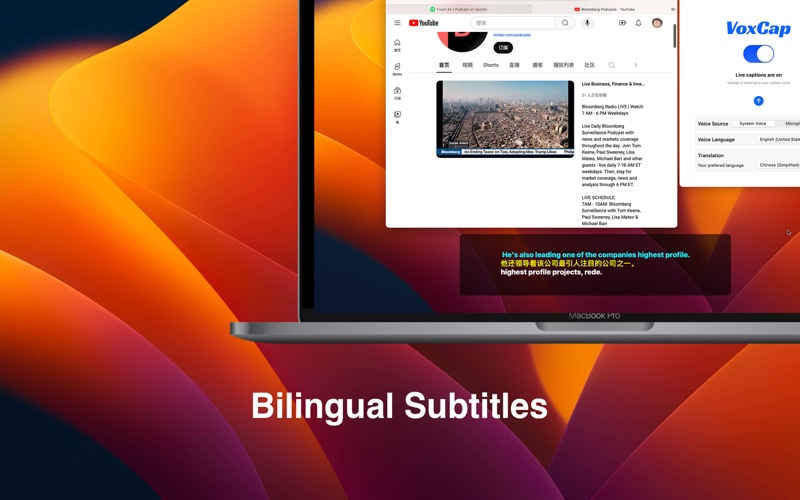
VoxCap can transform speech into captions in real time. It works with any sound or video played on your computer. VoxCap captures the audio and instantly converts it into text, displayed as captions. You can also use your microphone to transcribe external sounds. == Key Features == ◆ On-Device Speech Recognition VoxCap uses Apple’s Speech framework to perform all recognition on your device. This ensures quick processing and keeps your data private. ◆ Flexible Audio Sources VoxCap can capture and transcribe both system audio and sounds from your microphone. ◆ Translation You can enable a translation feature that sends the text to the cloud for translation. The text is only used for translation and is not stored. ◆ Subtitle Customization When you watch videos in full-screen mode, the subtitles float above the video. You can freely adjust the position and size of the subtitles. == Try It Free == Free users get 20 minutes of daily usage. Subscribers have unlimited access. == Privacy & Terms == * Privacy policy: https://soulreload.com/app/voxcap/privacy-policy/ * Terms of Use: https://soulreload.com/app/voxcap/terms-of-use/