Private Pilot Test Prep

Private Pilot Test Prep

By Sporty's Pilot Shop

  • Category: Education
  • Release Date: 2011-01-14
  • Current Version: 3.11
  • Adult Rating: 4+
  • File Size: 27.36 MB
  • Developer: Sporty's Pilot Shop
  • Compatibility: Requires iOS 13.0 or later.
Score: 4.30973
4.30973
From 113 Ratings

Description

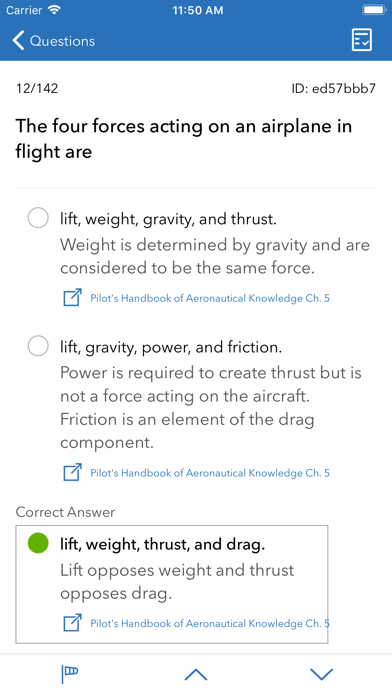
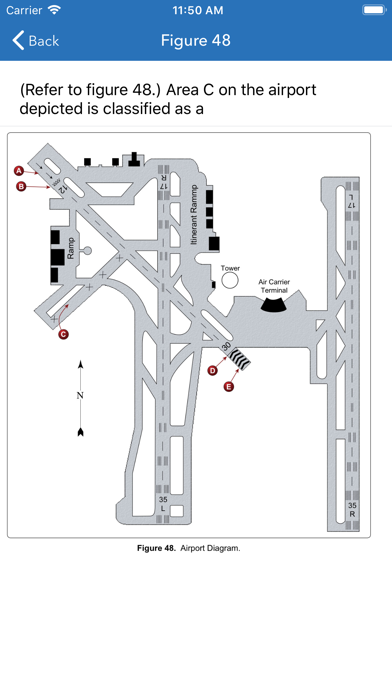
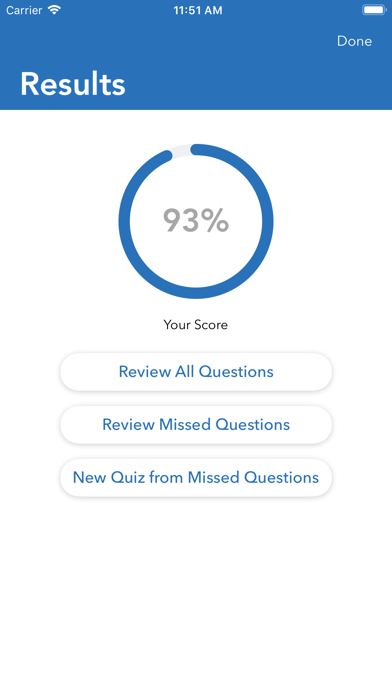
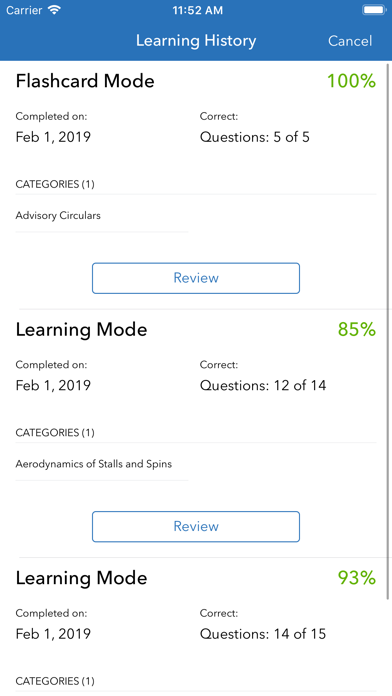
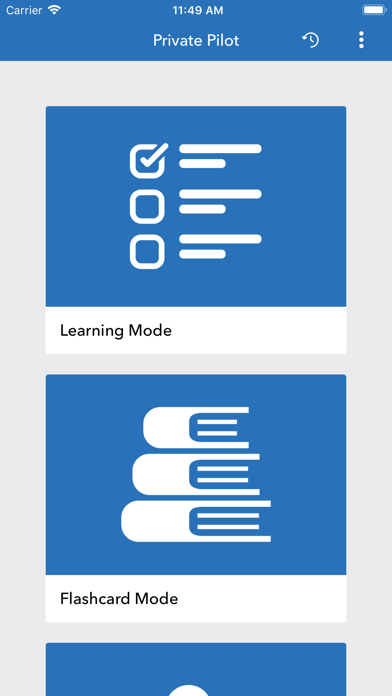
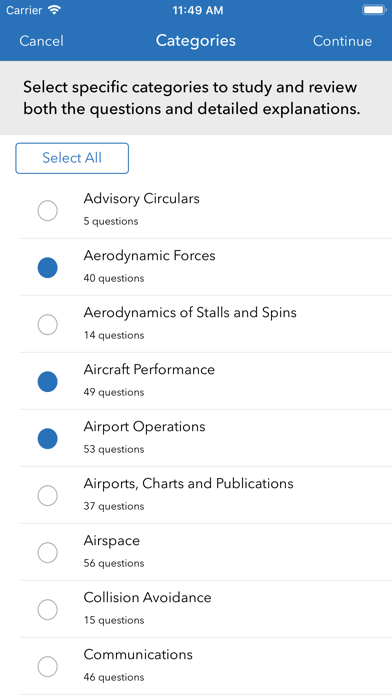
Sporty's Study Buddy will prepare you for the FAA written test like no other study tool available with three modes of operation. Test material is expertly organized into categories based on subject matter and includes, questions, answers, correct answers, and detailed explanations. • STUDY QUESTIONS BY TOPIC • Learning Mode allows you to create custom review sessions by selecting exactly which categories you want to review. Each session randomly generates the question order, and provides instant feedback based on your answer selection. Each question also provides a detailed description as to why each answer is right or wrong. These explanations were developed by Sporty’s team of Master CFI’s, based on their experience preparing students for the Private Pilot certificate • REVIEW QUESTION FLASHCARDS • Flashcard mode tests your knowledge by allowing you to only see the question without the answer choices. After answering the question mentally, you can then select to show the correct answer, and self-grade your progress along the way. This is a great feature that keeps you from being distracted by incorrect answers! • TAKE PRACTICE TESTS • Test mode randomly generates a 60-question session from the entire database of published FAA test questions, simulating the real Private Pilot test. After answering all the questions, you’ll be given instant results, and have the option to review either all the questions, or just missed questions. Included in the review session are the same detailed explanations for why each answer is right or wrong. •PROGRESS REPORTS• After completing each test your results are saved in the app's Progress Report section, where you can review previous scores and and a detailed history of each question and answer selection. You can also pause a partially-completed session, and resume it at a later time here.
Screenshots

Reviews

  • Gets the job done!

    5
    By MJintheSKY
    Took my time and went through all the “learning mode” modules. Took my PAR today and got a 87. I’d advise to look at parking procedures, what to do for emergency landing procedures, and where in the traffic pattern you may encounter power-on-stalls. These things appeared on my test. Good luck everyone
  • Affordable Prep with Value

    5
    By Dave Chen iOS
    Instead of spending hundreds of dollars on courses, studying through the question banks (Learning Mode) helped me achieve what I needed through my PPL written journey. I loved the different mode, especially with options to take simulated tests and ability to review both Learning & Test sessions I had completed. While the explanations aren’t perfect, given the price, this app is a great self-studying tool.
  • Really appreciate the app!

    5
    By N7J13
    This app was great practice for the PAR exam, along with some studying from the PHAK (which I understand you can download for free from the FAA if you don’t want a physical book), and some further research on how to do calculations with the help of the AI on the internet. I would recommend picking 1 topic at a time in learning mode, as well as making notes as you continue to do your own research on the topics in the PHAK. So don’t try to cover all topics in one day though, as there are over 1000 questions in the question bank. Once you feel confident, give the test mode a go and just keep at it. Give yourself enough time to prepare for the test as well. This is for the foundation of your future, so it’s well worth investing in. I studied 2-5 hours almost everyday for about 3 weeks and passed the test first time around, so I’m sure most people will be able to succeed if they put in the effort. Lastly, get yourself a e6b or electronic flight computer, a physical sectional chart, and some scratch paper. It will put you ahead of the game for the future if you grasp the basics of calculating center of gravity, course correction/wind correction angles, and can actually read a map when in a pinch!
  • got an 88% on my written

    5
    By Ezra_1
    i used sportys as my sole study guide and i passed with an 88%. sportys is basically an exact replica of the exact things you’ll be tested on by the faa. would recommend
  • Not like real exam

    1
    By Rosepatiot
    Maybe 1 out of 10 questions relate to the FAA exam. I got a 75 on my real exam but was constantly getting 95-100 on sportys.
  • NOT REAL TEST QUESTIONS

    4
    By zdub2390
    I read some positive reviews here and saw YouTube videos mentioning that this was essentially similar to Sheppard air FAA test dumps. Took the written 10/2024 and I’d say only ~40% of the questions I saw were in this app. The app is great for studying and making sure you understand the format and how to solve the real questions, but DO NOT just memorize these answers because you will fail the written.
  • Worthless

    1
    By williamlohrman
    I completed this app all 1000 questions took several test prep questions and feel confident to take the real exam how ever this app does not give you a endorsement. You have to purchase the full course on Sporty’s web page. If you purchase on the web page you don’t need this app. So the app is worthless and a waste of time. You will have to use this app, google and YouTube to fully understand it. Don’t bother with this app just get the actual course.
  • Excellent

    5
    By Urivallejopilot
    I pass with 87 nice tool
  • Amazing app for people with 0 knowledge.

    5
    By okaychase
    I would give this app 6 stars if I could. I aced my written test and it was all thanks to this app alone. $15, but will be the foundation of all of your aviation careers.
  • Great but fix wordage

    5
    By xavclarke
    Perfect app but the medical questions have wordage wrong. It’s not 5 years later…it’s 60 calendar months per FAR/AIM etc…that got me into trouble

keyboard_arrow_up