Planner 5D - AI Home Design

Planner 5D - AI Home Design

By Planner5D, UAB

  • Category: Lifestyle
  • Release Date: 2017-12-13
  • Current Version: 5.18.0
  • Adult Rating: 4+
  • File Size: 322.17 MB
  • Developer: Planner5D, UAB
  • Compatibility: Requires iOS 14.0 or later.

Description

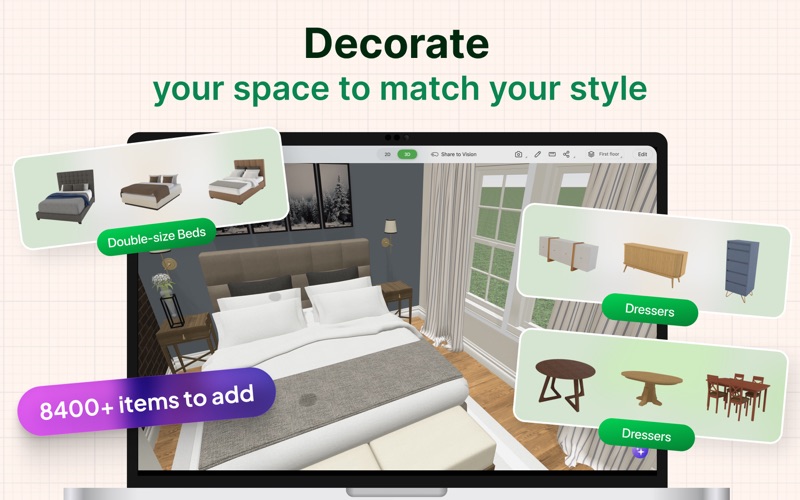
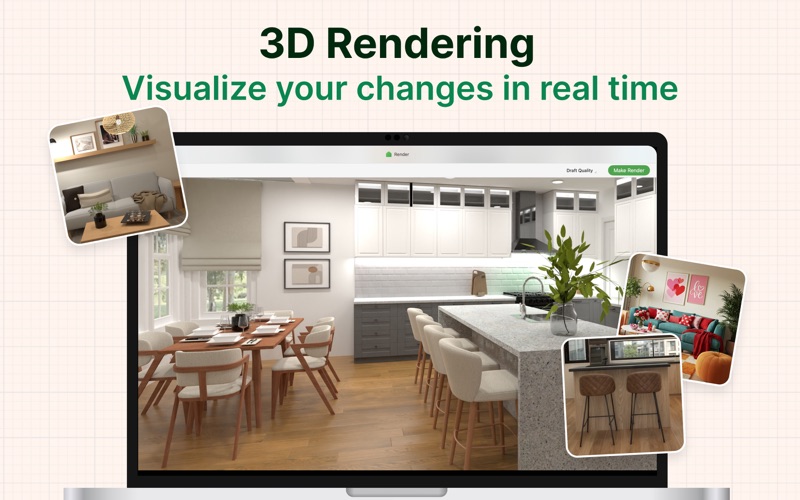
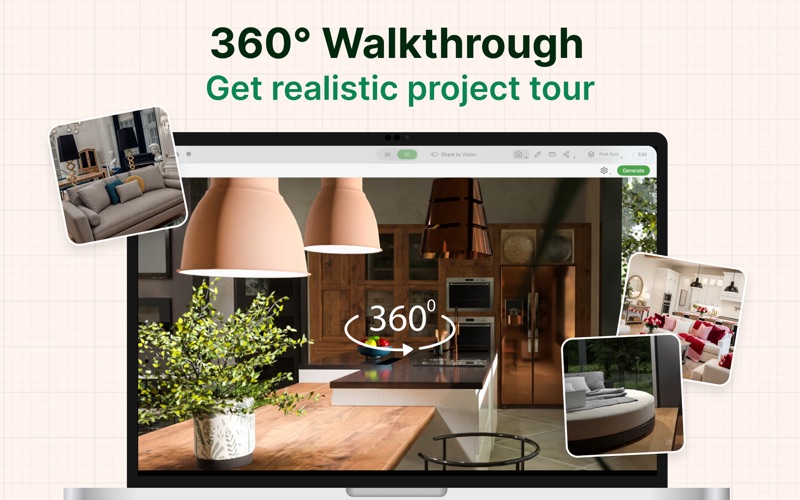
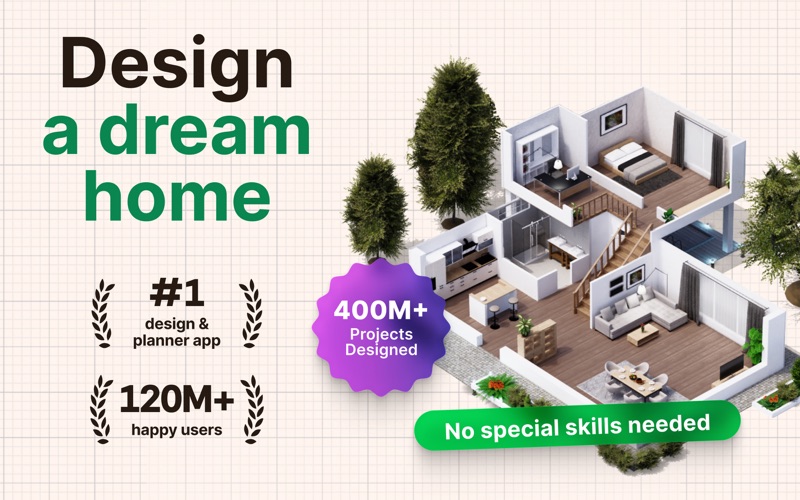
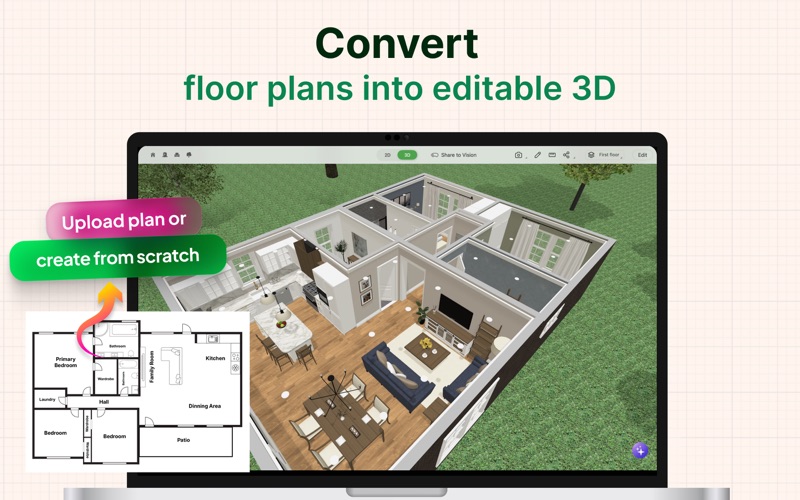
Whether you’re remodeling, renovating, or designing your dream home, Planner 5D has you covered! Create detailed 2D & 3D floor plans, browse a 5000+ item catalog, and create photo-realistic images of your projects. With over 2 million downloads, Planner 5D makes interior design easier than ever! Features: • Drag and drop design in both 2D & 3D modes • User-friendly features that do not require special skills • Create a completely unique home - from the floorplan to the finishing details • Browse the regularly updated 5000+ item catalog complete with furniture, appliances, decor, household items, landscape features and more • Create exceptionally detailed and personalized design in both the interior and exterior of your project • “Snapshot” function to create photo-realistic images of your projects with realistic lighting, textures, and shadows • Sign in with Google+ or Facebook to work on your projects on any platform, including your laptop or other mobile device • Switch between Metric and Imperial systems of measurement • Save and share your projects with friends, family and home professionals • Work on downloaded projects offline • Completely Ad-free • Multi-language Free Version • 2D and 3D editor • 150+ item catalog • Unlimited number of projects • Multi-platform synchronization • 600+ item catalog of colors, textures and patterns to personalize your design Premium Version • Access to the entire 5000+ item catalog • Ability to alter the size and appearance of all furniture Other Features • Apple Pencil support • 3D Touch support • Follows Apple Design Guidelines • Split-screen multitasking on iPad • Basic Accessibility features for the visually impaired If you have any questions, feel free to contact us at: support@planner5d.com Or send a message to our support team by tapping on the button "Report a Problem" in the profile screen. Follow us! Facebook: https://www.facebook.com/Planner5D Twitter: https://twitter.com/Planner5D Instagram: https://instagram.com/planner5d Planner 5D can be used without an active subscription with a limited catalog and without an ability to customize furniture. Premium features can be enabled with a Monthly subscription for $9.99 or Yearly subscription for $59.99 (prices vary by region) Payment for your subscriptions will be charged to your credit card through your iTunes account at confirmation of purchase. Subscriptions will automatically renew unless auto-renew is turned off no later than 24 hours before the end of the current subscription period. Subscriptions and auto-renewal can be managed/turned-off at the iTunes account settings. Price for subscription may vary by location. Privacy Policy: https://planner5d.com/pages/privacy/ Terms of Use: https://planner5d.com/pages/terms/
Screenshots

Reviews

  • Bummer

    1
    By checking it twice
    As usuual they want you to pay before you can even really see if it is what you need. 3 day trial on a product this deep without a tutorial? I am not a designer. It says easy to use. Nope. At least not for me. Show me what it can do, she me how to do it, and THEN ask me to pay for it. I am happy to purchase. This may be the greatest design tool ever and may be JUST what I need. But I will never know.
  • Import function does not work

    1
    By Superstellar
    tried to import a PDF and JPG files of a plue print floor plan, did not reflect the scale and only created boxes with no dementions and labled rooms inaccurately.
  • NOT USER FRIENDLY :/

    1
    By aimsworld
    I did the free trial and forgot to cancel it. I was fine with it initially because I was just going to try and use it for my design projects for clients. This is truly the worst interface I have ever used and it was well over $100. No way to chat with anyone and no helpful tools to explain how to delete the walls that I accidentally made. It just hides them. And I can’t type in my wall measurements. You have to drag it to the exact point which is not easy. Needs to have more resources for beginners. I guess it’s back to my tried and true graph paper. Such a bummer.
  • very outdated

    1
    By Danielle M Minnes
    Doesnt even have the option to change the names of rooms to Laundry Room, Closet. Very out dated on items
  • Doesn’t work

    1
    By Lover of diary of a wimpy kid
    This app doesn’t work
  • Trash

    1
    By Kinetic Pretzel
    Absolute trash. Used to be a good product. Used in 2019 to make a home layout for decorating. Did not need it until recently when planning to remodel a room and wanted to see what things would fit. Now everything is pay-walled - I couldn’t even open an old project, or save a new one. Even just drawing a simple square room with a closet to dimensions took hours. Scrap this program and get some graph paper.
  • Terrible Experience

    1
    By W@nderlu$t
    I paid an arm and a leg for this app so that I could handle my own modeling. I basically haven’t been able to get it to work on my Mac since Day 1 and have abandoned it. This should be refunded — I have gotten literally zero value from this product.
  • Planner 5D unfriendly

    1
    By dgas96
    the learning curve is too difficult and it is not user friendly
  • BEST HOUSE DESIGNER GAME EVER!

    5
    By Ripper the indoraptorr
    This is really good!Its because it is like a building a home, there is 1 thing though that I’m just a bit irritated about, and that is the pet section, some of the pets are locked and I understand that y’all guys need to make money off the pro and the premium subscriptions but I think that maybe in a new update you need to add scotte and make the pet section all free please?
  • La app

    2
    By Unjugador1
    No entiendo por que ni puedo hacer renders en la app

keyboard_arrow_up