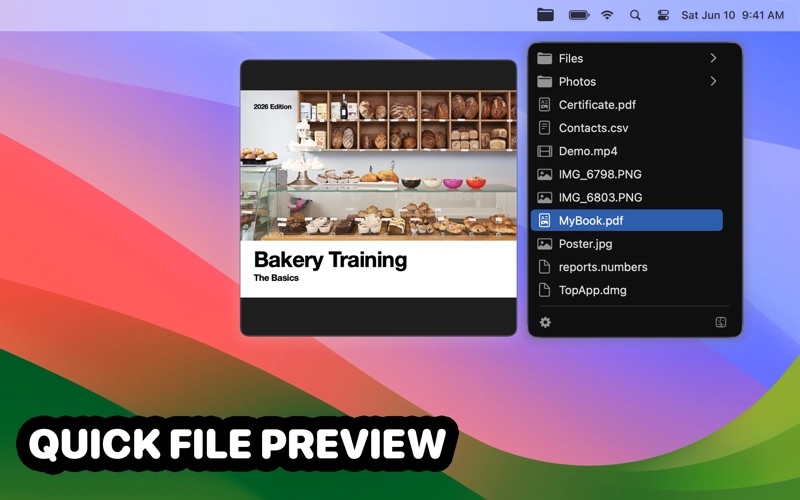
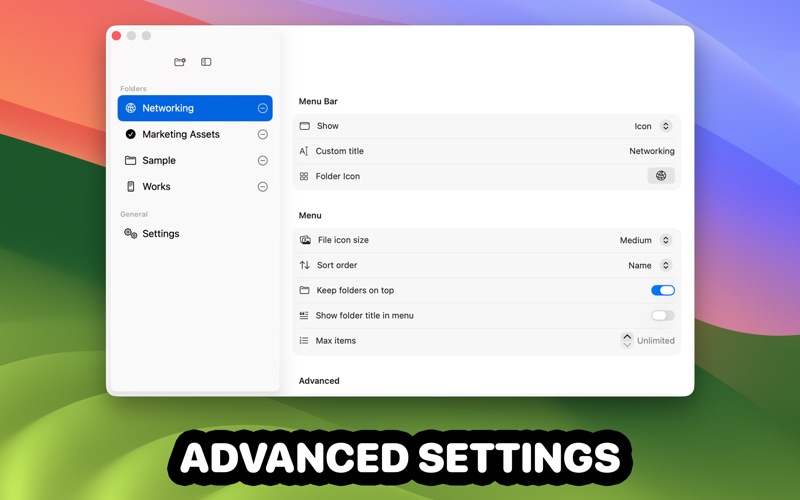
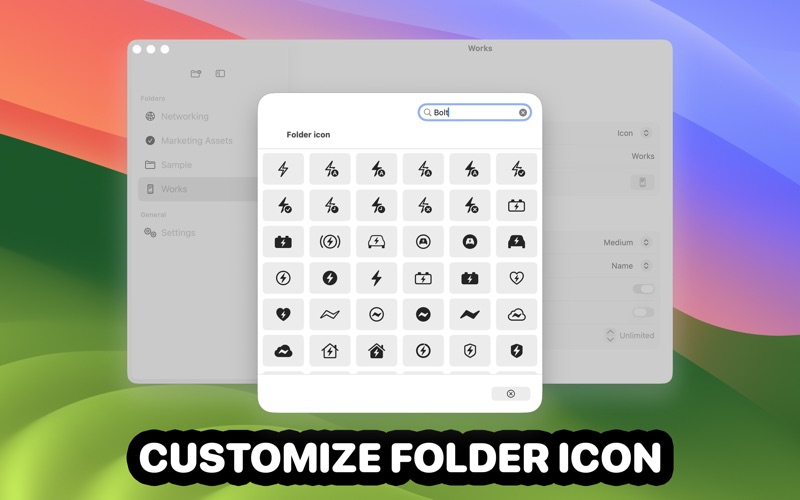
TopShelf is a lightweight menu bar app that keeps your important folders one click away. Add one or more folders to the menu bar. Open a folder menu to quickly browse subfolders and files, then open items instantly—or choose to reveal them in Finder instead. Customize each folder’s icon and title, control how items are sorted, and keep folders pinned to the top for faster navigation. Key features • Multiple folders in the menu bar: Add as many folders as you like. • Fast browsing: Navigate subfolders and open files directly from the menu. • Per-folder customization: Icon, title, or icon + title. • Sorting controls: Name, kind, size, date created, date modified. • Keep folders on top: Cleaner menus for mixed content. • Item limit: Set a max number of items per folder (or unlimited). • Keyboard shortcuts: Assign a shortcut per folder; optionally open at the pointer. • Quick Look: Preview files and use Open or Show in Finder. • Open at Login option.